Website design is changing faster than ever, with new trends reshaping how brands connect with audiences online. As we approach 2026, staying on top of these changes is essential for any business aiming to succeed digitally.
WordPress continues to lead as the world’s most popular CMS, powering over 43% of all websites and constantly introducing new features. Embracing the latest wordpress website design innovations is key to boosting user engagement, increasing conversions, and strengthening your brand’s credibility.
In this guide, you will discover 12 trend-driven, actionable wordpress website design ideas for 2026 that will inspire, inform, and help future-proof your online presence.
The Future of WordPress Website Design: Trends & User Expectations for 2026
As we approach 2026, the world of wordpress website design is evolving rapidly to meet the changing demands of users. People expect digital experiences to be immersive, lightning-fast, and accessible to everyone. Businesses that fail to adapt risk losing engagement and credibility in an increasingly competitive online space.
User behaviour is shifting towards mobile browsing, with over 58 percent of global website traffic now coming from smartphones and tablets. This makes mobile-first and responsive design not just a trend, but a necessity. According to recent Web Design Statistics 2026, websites optimised for mobile devices consistently outperform their desktop-only counterparts in both user satisfaction and conversion rates.
AI-powered personalisation is also transforming wordpress website design. Advanced plugins and integrations now allow websites to deliver tailored content, automate responses, and recommend products or services based on individual user behaviour. This level of automation and intelligence streamlines the user journey, making sites feel more intuitive and engaging.
Visually, the demand for clean, minimalistic, and interactive interfaces is growing. Users appreciate whitespace, simple colour schemes, and clear typography, which together reduce cognitive overload and highlight essential information. Interactive elements such as sliders, accordions, and micro-interactions keep visitors engaged and encourage them to explore further.
Accessibility and inclusive design are now central to wordpress website design. Global standards like WCAG 2.2 and legal regulations require sites to be usable by everyone, including those with disabilities. Features such as semantic HTML, ARIA labels, and keyboard-friendly navigation are becoming standard practice, ensuring broader reach and improved search engine rankings.
Animation and micro-interactions are gaining prominence as well. Subtle animations, hover effects, and scroll-triggered elements draw attention to key actions and provide a more dynamic user experience. These enhancements can lead to higher engagement and increased time spent on site.
Sustainability is another growing concern in wordpress website design. Eco-friendly practices include optimising images, using green hosting, and reducing unnecessary scripts to lower a website's carbon footprint. Brands that demonstrate environmental responsibility can attract eco-conscious consumers and stand out in their industries.
Leading brands are already embracing these trends in their wordpress website design strategies. From e-commerce giants optimising for mobile and personalisation, to thought leaders prioritising accessibility and sustainability, the future of web design is both innovative and user-centric. Staying ahead of these trends will be crucial for any business looking to future-proof its online presence in 2026.
12 Essential WordPress Website Design Ideas for 2026
1. Embrace Minimalist and Clean Aesthetics
Minimalism is set to define wordpress website design in 2026. By focusing on generous whitespace, simple colour palettes, and clear typography, your website can achieve a refined, modern look that appeals to today’s users. Clean layouts not only make your content stand out but also improve site speed, as fewer visual distractions reduce cognitive overload.
Take inspiration from The Sartorialist, whose image-centric layout leverages negative space and concise content blocks. This approach enhances readability and draws attention to what matters most—your message and visuals.
To achieve minimalism, select WordPress themes or page builders that offer flexible grid systems and easy customisation. Popular options like Astra or GeneratePress provide lightweight frameworks designed for speed and simplicity. When developing your wordpress website design, remember that less truly is more, and a streamlined interface can significantly boost user engagement and satisfaction.
2. Integrate AI-Powered Personalisation
AI-driven features are revolutionising wordpress website design by delivering tailored experiences for each visitor. Using AI plugins, you can dynamically adjust content, display personalised recommendations, and implement intelligent chatbots—all based on user behaviour and preferences.
For example, e-commerce sites now showcase product suggestions that reflect individual browsing history, leading to more relevant shopping experiences. Studies show that personalisation can increase conversion rates by up to 20 percent, making it a powerful tool for any wordpress website design strategy.
To get started, explore AI plugins like WP-Chatbot, Recom.ai, or If-So Dynamic Content. These tools integrate seamlessly with WordPress, enabling you to automate personalisation without complex coding. By leveraging AI, your wordpress website design can foster deeper engagement and keep users coming back for more.
3. Prioritise Mobile-First and Responsive Design
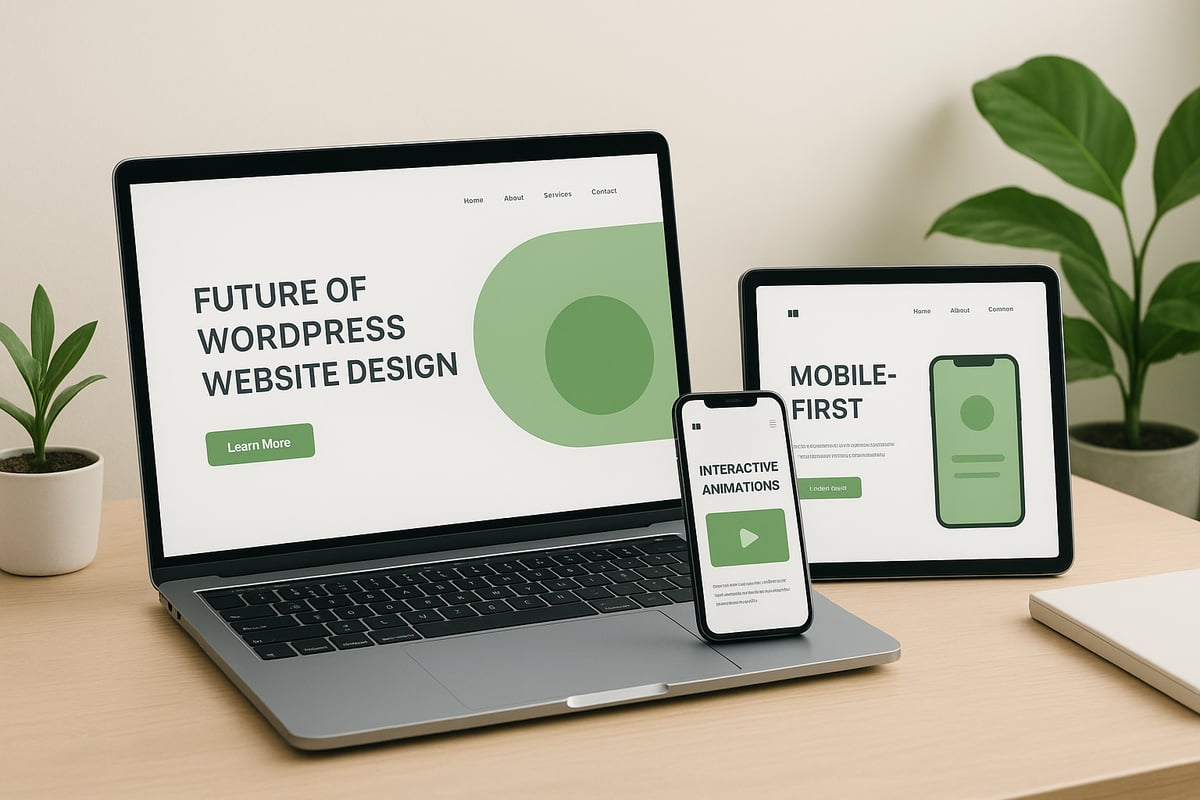
With over 58 percent of global website traffic coming from mobile devices, mobile-first thinking is essential for any wordpress website design in 2026. Start by designing for smaller screens, ensuring your site is fully responsive and adapts to every device.
Responsive frameworks like Bootstrap or WordPress themes such as OceanWP make it easy to create fluid layouts. Always test your site across different devices and browsers to guarantee a seamless experience. For inspiration, Offset’s site demonstrates intuitive navigation and fast load times on mobile.
Google’s mobile-first indexing means your wordpress website design directly impacts SEO rankings. Use plugins like WPtouch and responsive page builders to optimise usability. Prioritising mobile ensures your audience enjoys a frictionless journey, no matter how they access your site.
4. Leverage Advanced Animation and Micro-Interactions
Interactive animation is rapidly becoming a hallmark of modern wordpress website design. Micro-interactions—like subtle hover effects, animated buttons, or scroll-triggered reveals—add a layer of delight and guide users towards key actions.
Panolocal’s site is a standout example, featuring animated UI elements that catch the eye without overwhelming the content. Data shows that websites with interactive features can see up to 30 percent higher engagement rates.
To integrate animations, consider plugins such as Animate It!, LottieFiles, or Motion.page. Always balance movement with performance—animations should enhance, not hinder, the user experience. By embedding thoughtful micro-interactions, your wordpress website design will feel dynamic and engaging.
5. Focus on Accessibility and Inclusive Design
Making your wordpress website design accessible is not just a best practice—it’s often a legal requirement. Adhering to WCAG 2.2 standards ensures users of all abilities can navigate your site with ease. Use semantic HTML, ARIA labels, and keyboard-friendly navigation throughout your design.
TED Blog excels at this by providing readable fonts, high contrast, and clear navigation structures. Accessible websites reach a wider audience and also benefit from improved SEO.
WordPress offers tools like the WP Accessibility plugin and accessiBe, which audit your site and suggest fixes. Prioritising inclusivity in your wordpress website design demonstrates your commitment to all users and helps future-proof your online presence.
6. Utilise Bold Typography and Unique Fonts
Typography is a powerful tool in wordpress website design. In 2026, expect to see bold headings, expressive typefaces, and creative font pairings that reinforce brand identity. Eye-catching typography helps structure content and draws attention to calls-to-action.
Eginstill’s website is a masterclass in using bold, modern fonts to create a memorable user experience. Integrating custom fonts in WordPress is simple with plugins like Use Any Font or Google Fonts Typography.
When choosing fonts, consider readability and brand alignment. Well-executed typography elevates your wordpress website design, making content easier to scan and improving brand recall. For inspiration, explore Typography Trends 2026.
7. Implement Dark Mode and Colour Scheme Switchers
Dark mode has become a must-have feature in wordpress website design, offering users the flexibility to choose between light and dark themes. This enhances visual comfort, especially in low-light environments, and can reduce energy use on OLED devices.
Many modern e-commerce sites now provide a simple toggle for theme switching, catering to user preference. Research shows that sites with dark mode options often see increased time-on-site metrics.
WordPress plugins such as WP Dark Mode or Darklup Lite make implementation straightforward. When integrating dark mode, ensure all interface elements remain legible and consistent. Adding colour scheme switchers gives your wordpress website design a contemporary edge and shows you value user choice.
8. Optimise for Core Web Vitals and Performance
Fast, stable websites are crucial in wordpress website design for 2026. Google’s Core Web Vitals focus on loading speed, interactivity, and visual stability—key factors in both SEO and user satisfaction.
Sites like Time.com exemplify high performance with optimised images and efficient media delivery. Use caching plugins like WP Rocket, image optimisation tools such as ShortPixel, and lightweight themes to boost speed.
Regularly test your wordpress website design using Google PageSpeed Insights or GTmetrix. Optimising for performance not only improves rankings but also keeps visitors engaged, reducing bounce rates and increasing conversions.
9. Incorporate Dynamic Content and Interactive Elements
Dynamic content is transforming the landscape of wordpress website design. Features like sliders, accordions, quizzes, and live updates make your site more engaging and keep users interacting longer.
Mowellens’ interactive product displays are a great example of how dynamic elements can drive user curiosity and highlight key offerings. To achieve this, use plugins like Elementor, Smart Slider 3, or WP Quiz.
Balance interactivity with performance—too many dynamic features can slow down your wordpress website design. Focus on elements that add value and guide users toward your goals, creating a more memorable online experience.
10. Showcase High-Quality Visuals and Video Integration
Visual storytelling is at the heart of effective wordpress website design. High-resolution images, hero videos, and subtle background animations can captivate visitors and convey your brand’s story instantly.
Joco Cups’ homepage uses immersive visuals to communicate product quality and eco-friendly values. Data suggests that landing pages with video can boost conversions by up to 80 percent.
Optimise your media with WordPress plugins like Smush for images and Presto Player for video. Prioritise fast loading and responsive scaling to ensure your wordpress website design remains visually impressive across all devices.
11. Adopt Sustainable and Eco-Friendly Web Design Practices
Sustainability is becoming central to wordpress website design in 2026. Users increasingly prefer brands that demonstrate environmental responsibility, both in their products and digital presence.
Optimise your site’s energy use by choosing green hosting, minimising scripts, and writing efficient code. Brands are now highlighting their commitment to sustainability through design choices and transparent reporting.
Use tools like Website Carbon Calculator to measure your site’s footprint. By adopting eco-friendly practices, your wordpress website design can appeal to conscious consumers and set you apart as a leader in digital sustainability.
12. Seamless Integration with Social Media and Third-Party Tools
Seamless integration with social media and third-party tools is essential for modern wordpress website design. Embedding live social feeds, share buttons, and real-time updates can significantly expand your reach and foster community engagement.
News and magazine sites often display live Twitter or Instagram feeds to keep content fresh and interactive. Plugins like Smash Balloon Social Photo Feed or Social Snap make integration easy within WordPress.
For businesses seeking advanced solutions, WordPress web design services offer expertise in connecting your site with vital third-party platforms. This ensures your wordpress website design remains connected, visible, and competitive in an ever-evolving digital landscape.
How to Choose the Right WordPress Design Approach for Your Business Goals
Selecting the ideal wordpress website design approach is crucial if you want your site to reflect your brand and achieve your business goals. With so many options available, making a strategic choice will influence your online success for years to come.

Start by evaluating your brand identity. Ask yourself: What message should the website communicate? Who is your target audience? Aligning your wordpress website design with your brand's core values ensures consistency across every touchpoint.
Next, consider your business objectives. Are you aiming to generate leads, drive e-commerce sales, or share thought leadership? For example, an e-commerce site needs streamlined product navigation and secure checkout, while a local service provider benefits from clear calls-to-action and trust signals.
Balancing aesthetics and functionality is essential. A visually stunning site attracts visitors, but usability keeps them engaged. Use the table below to compare key elements:
| Aspect | Aesthetics | Functionality |
|---|---|---|
| Focus | Visual appeal, branding | Navigation, user journeys |
| Impact | First impressions, trust | Conversions, accessibility |
| Pitfall | Over-design, slow loads | Bland look, poor branding |
Scalability and future-proofing are vital for growth. Choose a wordpress website design solution that can adapt as your business evolves. Look for flexible themes, modular page builders, or custom builds that support new features without major overhauls.
When deciding between custom design, premium themes, or page builders, weigh their pros and cons:
- Custom Design: Tailored to unique needs, but requires higher investment and time.
- Premium Themes: Quick to launch and cost-effective, yet may limit customisation.
- Page Builders: Offer drag-and-drop flexibility, ideal for non-developers, but can impact site speed if overused.
Ongoing support, maintenance, and SEO are just as important as initial design. Reliable support helps prevent downtime, address security issues, and keep your site performing well. For best practices, consult this WordPress website support guide.
Here’s a simple decision framework:
- Define your brand and target audience.
- Clarify your top business goals.
- Decide on your preferred balance between aesthetics and functionality.
- Assess your technical skills and resources.
- Choose between custom design, premium themes, or page builders.
- Plan for ongoing support and SEO optimisation.
Case studies illustrate these principles in action. E-commerce brands often invest in custom wordpress website design for unique shopping experiences. Local service providers might use premium themes for speed and simplicity, while bloggers favour page builders for easy content management.
Avoid common pitfalls such as:
- Ignoring mobile responsiveness
- Overcomplicating navigation
- Skimping on performance and security
- Neglecting accessibility standards
For small businesses, it's wise to explore web design for small businesses to find approaches tailored to specific needs and budgets. The right wordpress website design strategy will position your brand for sustainable growth and long-term success.
Essential Plugins and Tools for Next-Level WordPress Design in 2026
Choosing the right plugins and tools is crucial for excelling in wordpress website design. The right tech stack can transform your site’s performance, accessibility, and user experience. With design trends evolving rapidly, staying current with plugin innovations is more important than ever.
Must-Have Plugins for 2026
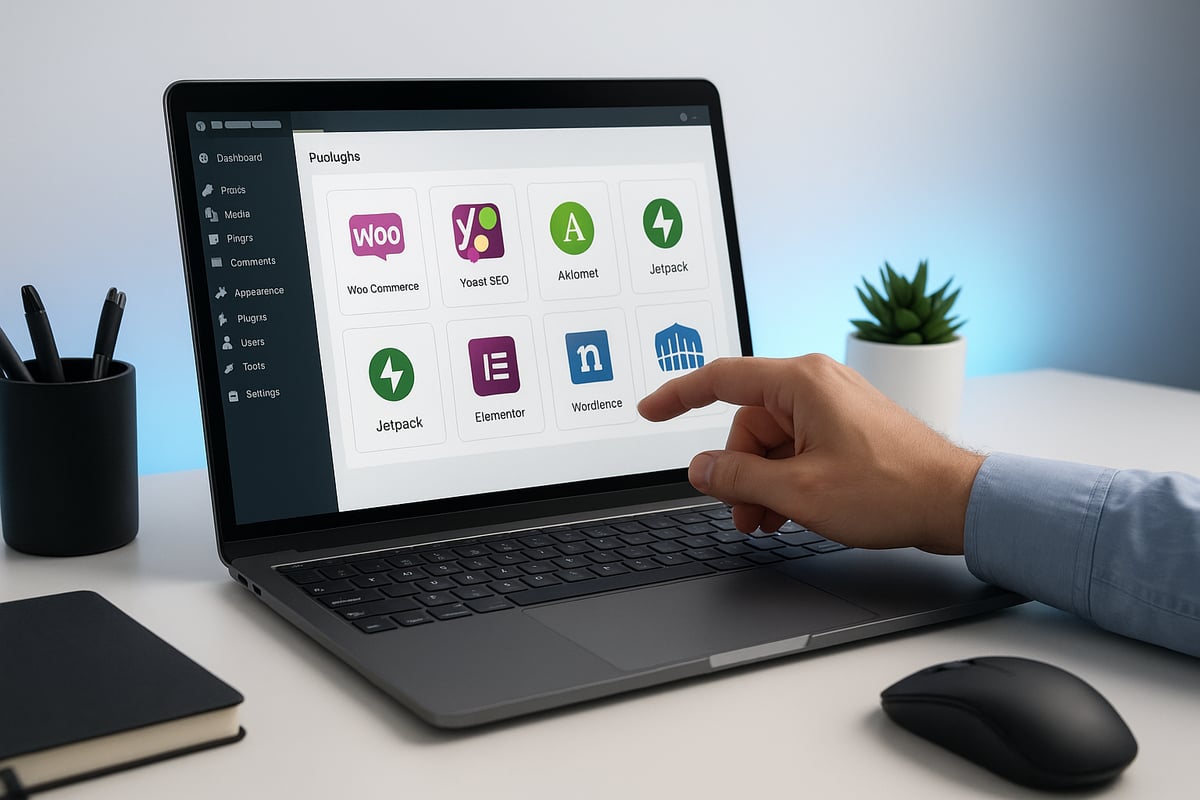
Selecting essential tools for wordpress website design means covering every aspect, from aesthetics to function. Here’s a curated table of categories and standout plugins:
| Purpose | Recommended Plugins | Key Features |
|---|---|---|
| Design | Elementor, Kadence Blocks | Drag-and-drop, custom layouts |
| Performance | WP Rocket, Smush | Caching, image optimisation |
| Accessibility | WP Accessibility, One Click Accessibility | WCAG compliance, ARIA support |
| Interactivity | Slider Revolution, WPForms | Sliders, forms, dynamic content |
| AI Integration | Bertha AI, AI Engine | Content generation, chatbots |
| Sustainability | Website Carbon, Ecograder | Carbon footprint analysis |
These plugins help ensure your wordpress website design is visually appealing, accessible, and future-proof.
AI, Animation, and Sustainability Tools
AI-powered plugins like Bertha AI can elevate personalisation and automate content creation. For animation and micro-interactions, consider plugins such as LottieFiles or Animate It. Sustainability is also becoming a core focus, with tools like Website Carbon helping to measure and reduce your site’s environmental impact. Keeping these aspects in mind ensures your wordpress website design aligns with the latest user and regulatory expectations.
Comparing Leading Page Builders
Page builders are the backbone of modern wordpress website design. Here’s a quick comparison:
| Page Builder | Strengths | Best Use Case |
|---|---|---|
| Elementor | User-friendly, versatile | All-purpose design |
| Gutenberg | Native, lightweight, fast | Core WordPress, minimal sites |
| WPBakery | Advanced layouts, flexibility | Complex or custom projects |
Regularly updating your plugins and page builders is vital for security and performance. Check for compatibility with the latest WordPress releases to avoid conflicts and downtime.
Future-Proofing Your Tech Stack
To stay ahead in wordpress website design, prioritise tools that receive frequent updates and offer strong support communities. Explore trends and plugin usage statistics in resources like WordPress Market Trends 2026, which provide valuable insight into what powers top-performing sites.
By selecting the right plugins, embracing innovation, and maintaining your WordPress ecosystem, you’ll create a website that is robust, engaging, and ready for the future.
After exploring the latest WordPress design trends for 2026—from minimalist layouts and AI personalisation to mobile-first thinking and sustainable practices—you might be wondering how to put these ideas into action for your own business. At Ruff Idea, we understand that every brand is unique, and your website should reflect that. Whether you’re looking to elevate your online presence, boost engagement, or future proof your site for years to come, we’re here to help you achieve real results with expert guidance and ongoing support. If you’re ready to discuss your next steps, simply Get in touch.